Adobe Animate Course by PolishTortoise
Countryball animation in Adobe Animate, taught by a countryball YouTuber.
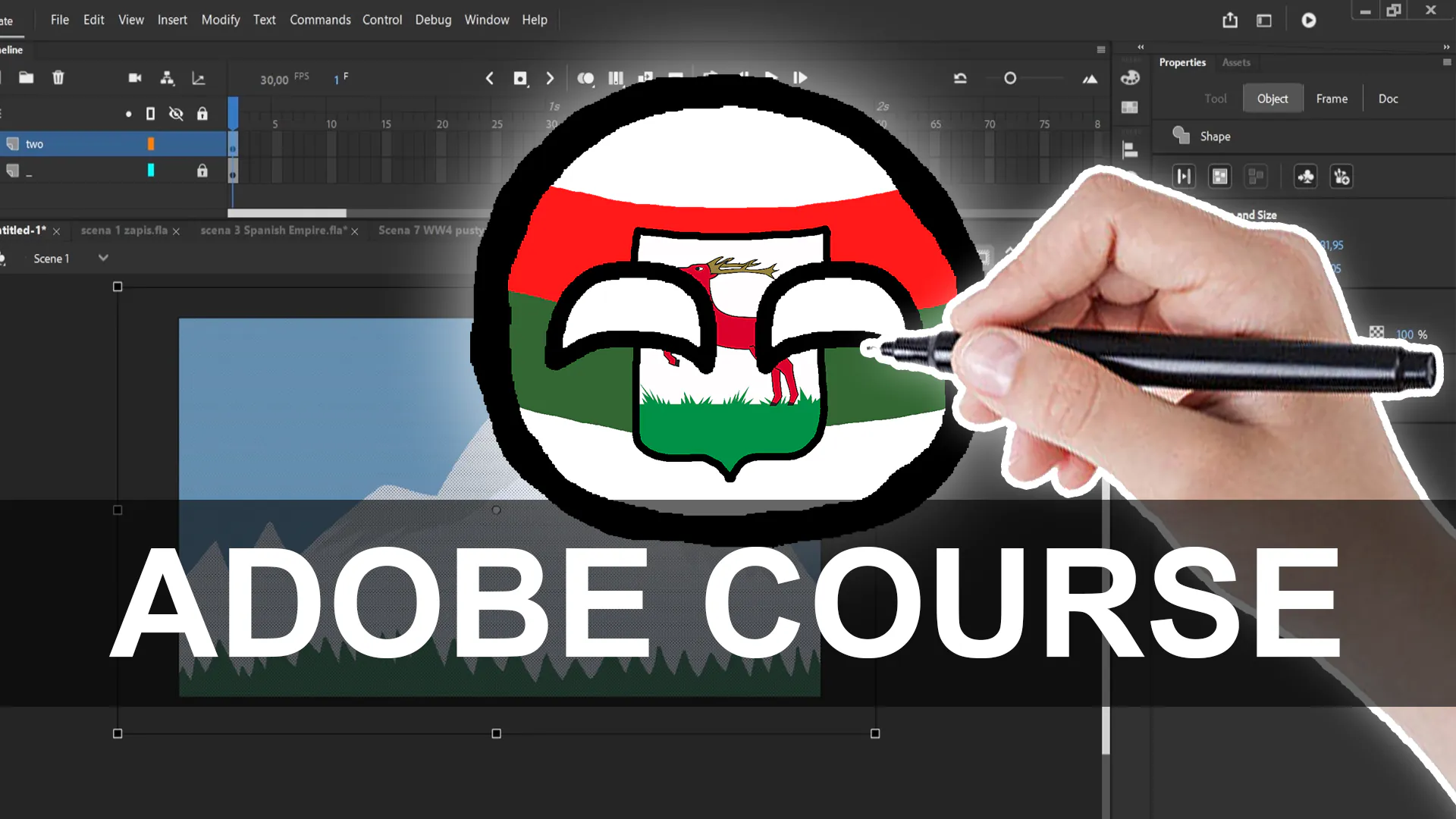
Seven chapters made by PolishTortoise, a countryball YouTuber. Learn Adobe Animate from the first launch: vector drawing, classic and shape tweens, frame-by-frame animation, the camera layer and animated flags, then exporting your video and growing as a content creator.
One-time payment. Lifetime access. 14-day refund window.
What you'll be able to do
- Find your way around Adobe Animate: stage, timeline, layers and tools.
- Understand vector and bitmap images and when to use each.
- Draw clean countryballs with Animate's drawing tools.
- Animate with classic tweens, shape tweens and frame by frame.
- Use the camera layer, animate a countryball's flag, export your video and plan your channel.
Is this course for you?
This is for you if
- You want to animate countryballs in Adobe Animate rather than Moho.
- You already pay for Adobe Creative Cloud, or you're happy to start with Adobe's free trial.
- You want tips on making videos and growing a channel from someone who runs one.
Maybe not, if
- You want to rig with bones in Moho. That's what the Beginner and Advanced courses cover.
- You want to avoid a software subscription. Adobe Animate is only sold as part of a Creative Cloud plan.
Curriculum
7 chapters, in the order you'll watch them. The first one is free.
A first tour of Adobe Animate: the stage, the timeline, layers and the tools you'll use in every countryball video.
Watch free lessonWhy countryballs are drawn as vectors, when a bitmap image is the right choice, and how Animate handles both.
Animate's brush, pencil and shape tools, used to draw a clean countryball with a solid outline and white eyes.
Let Animate fill in the frames between keyframes: classic tweens for movement, shape tweens for changing shapes.
Draw each frame yourself for expressive moves, using onion skinning to keep the motion smooth.
Pan and zoom with Animate's camera layer, and animate a countryball's flag so it moves with the body.
A focused Adobe Animate lesson that builds on the chapter before it.
What you'll need
Free alternatives work for everything except the animation software.
Adobe Animate
RequiredDrawing, tweening, frame-by-frame animation and exporting, all in one program.
Adobe Animate is sold as a subscription through Adobe Creative Cloud, and Adobe offers a free trial so you can follow the first chapters before paying. Adobe has said Animate is in maintenance mode: it stays available and gets bug and security fixes, but no new features.
A video editor (optional)
OptionalCutting scenes together, adding voices, music and sound effects after export.
Free editors such as DaVinci Resolve or Shotcut work fine.
A computer (Windows or Mac)
RequiredAnything that runs Adobe Animate will do. A mouse is enough; a drawing tablet helps for frame-by-frame work.
Questions about this course
More answers on the FAQ page.