Beginner's Course in Countryball Animation
From blank canvas to your first finished countryball video.
Eleven chapters that take you from installing the software to a full scene with flags, backgrounds, movement and a boat trip. No animation experience needed. Just curiosity and a mouse.
One-time payment. Lifetime access. 14-day refund window.
What you'll be able to do
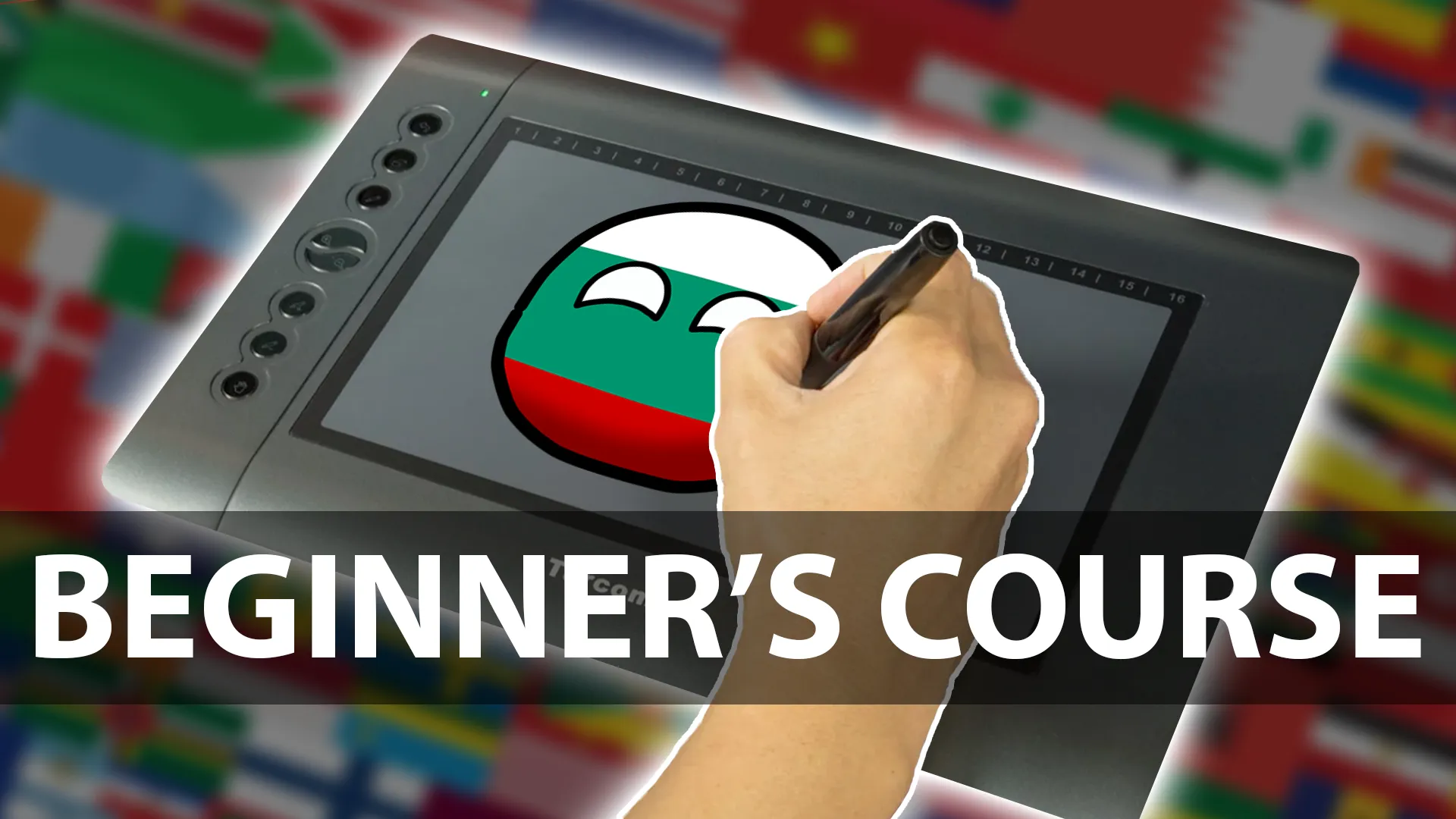
- Set up the software and find your way around it without panic.
- Draw clean, consistent countryballs, including tricky flags like the UK and USA.
- Rig characters with bones so one drawing can move a hundred ways.
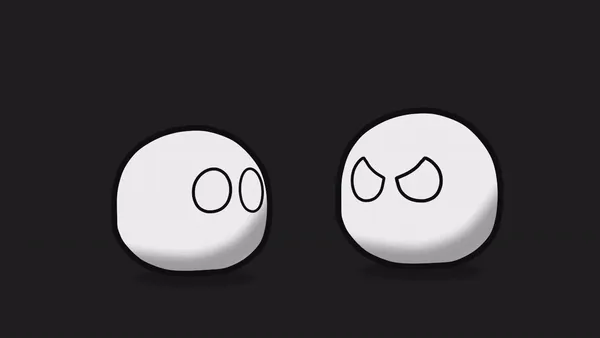
- Animate with keyframes: walking, bouncing, reacting, talking.
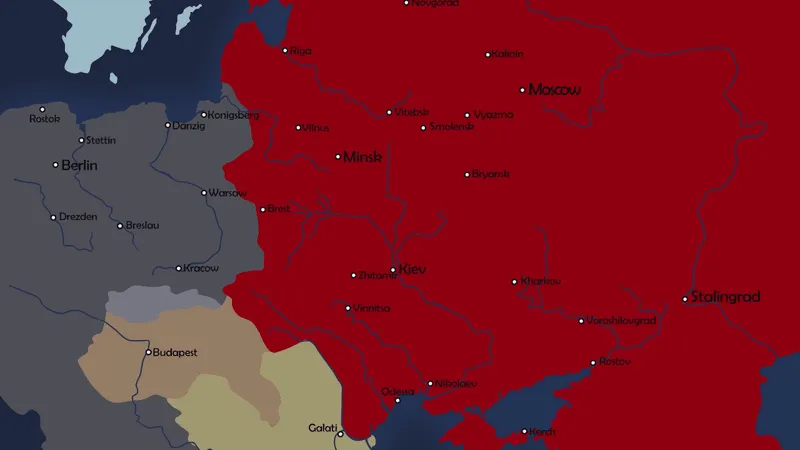
- Build backgrounds and stage a complete scene, territorial expansion included.
The kind of thing you'll make
Is this course for you?
This is for you if
- You want to start a countryball or history channel and don't know where to begin.
- You've never opened animation software and want someone to show you every click.
- You've tried tutorials before but never finished a full video.
Maybe not, if
- You already rig and animate countryballs comfortably. Go straight to the Advanced Course.
- You want frame-by-frame, hand-drawn anime. This course uses rigs and keyframes.
Curriculum
11 chapters, in the order you'll watch them. The first one is free.
What we'll build, what you need, and how to get the most out of the course. Free to watch.
Watch free lessonInstall Moho (or Anime Studio Pro), open it, survive it. A guided tour of the layers, tools and timeline you'll use in every video.
The round body, the white eyes, the outline. Draw a countryball in Moho that looks right every single time.
Add a Moho bone skeleton to your ball so you can pose and move it without redrawing a thing.
Stars, stripes, crests and odd shapes. A repeatable method for flags that look clean inside a circle.
Two of the hardest flags to get right, built and animated step by step.
Keyframes on the Moho timeline, timing and easing. The core skill that makes animation feel alive instead of stiff.
Skies, ground, buildings and depth. Give your characters a world to stand in.
Jumping, reacting, arguing. The expressive moves that carry a countryball story.
The classic history-channel move: a country growing across the map, done properly.
Put it all together: a full scene with a boat, water, a background and a countryball on the move.
What you'll need
Free alternatives work for everything except the animation software.
Moho Debut or Moho Pro (formerly Anime Studio Pro)
RequiredDrawing, rigging with bones and animating your countryballs.
Lessons are recorded in Anime Studio Pro 11, which became Moho in 2016. The interface has moved a little, the ideas haven't. Moho Debut is the cheaper edition and covers the basics.
Photoshop or Illustrator
OptionalPreparing flags, textures and backgrounds.
Free options work fine: Krita or GIMP instead of Photoshop, Inkscape instead of Illustrator.
Audacity
OptionalRecording and cleaning up voices and sound effects.
Audacity is free and open source.
A computer (Windows or Mac)
RequiredAnything that runs Moho will do. A mouse is enough to start; a drawing tablet is a nice upgrade later.
Questions about this course
More answers on the FAQ page.