Advanced Course in Countryball Animation
Battles, maps and history in motion. The stuff big channels are made of.
You can already make a countryball move. Now make it fight, sign treaties and redraw the map. Guns and explosions, swords, bows, tanks, fire and smoke, vector maps and territorial changes, animated in Moho with maps prepared in Adobe Illustrator.
One-time payment. Lifetime access. 14-day refund window.
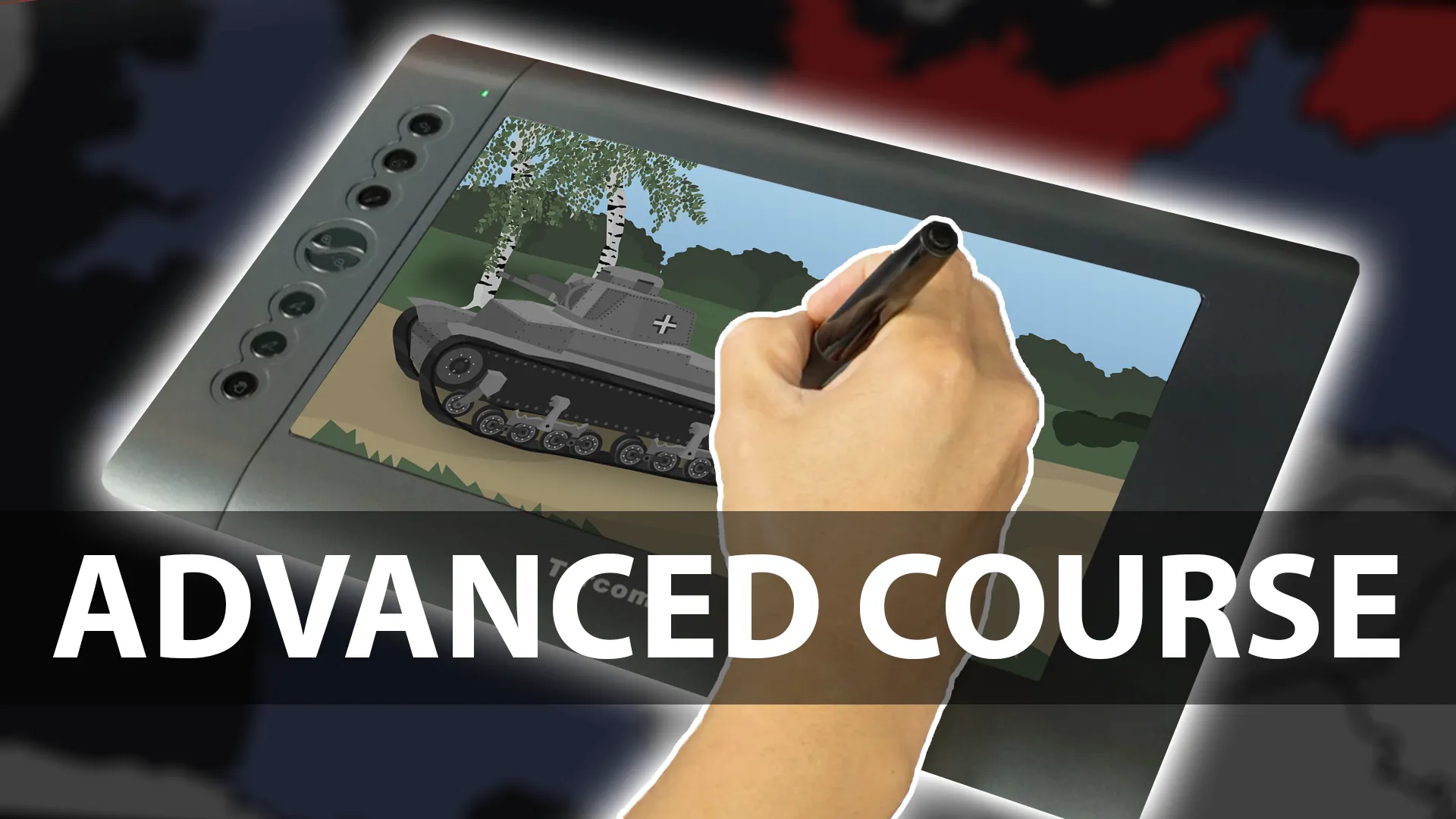
What you'll be able to do
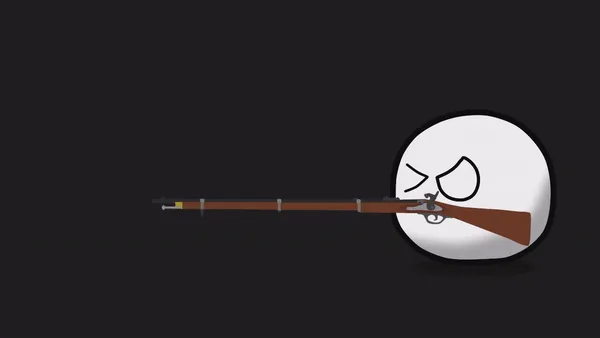
- Animate guns, muzzle flashes and explosive blasts, then stage full shootouts.
- Animate sword fights and bow-and-arrow shots that hit with weight.
- Draw and rig tanks with turrets, hulls and tracks, then make them drive and fire.
- Add fire and smoke effects, and animate treaties being signed.
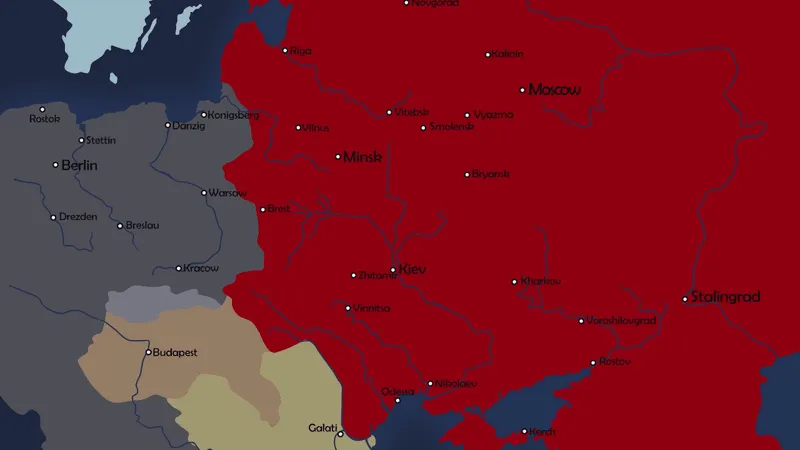
- Build vector maps in Adobe Illustrator and animate border changes and territorial expansion.
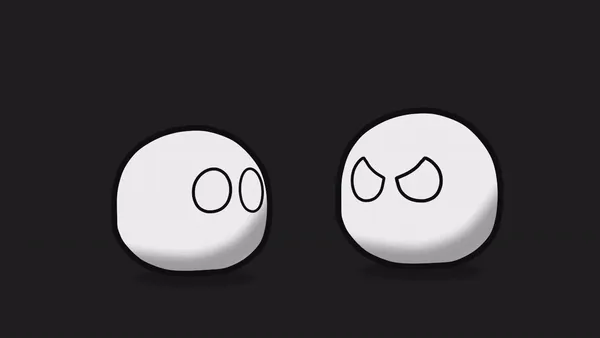
The kind of thing you'll make

Is this course for you?
This is for you if
- You finished the Beginner Course, or you already rig and keyframe comfortably in Moho or Anime Studio.
- You want to make history, war and "what if" videos with maps and battles.
- Your animations work, but they look simple next to the channels you watch.
Maybe not, if
- You've never used animation software. Start with the Beginner Course, it's built for that.
Curriculum
10 chapters, in the order you'll watch them.
Rig a gun to a countryball, then add recoil, muzzle flashes and blasts that read clearly at YouTube size.
Bullets, impacts and reactions. Turn single shots into a shootout between several countryballs.
Swings, blocks and clashes with anticipation and follow-through, so melee fights have weight.
Build a tank from separate parts and rig it so the turret turns and the tracks roll.
Drive the tank across the scene, aim the turret and fire, with recoil and a shell that lands.
Flames and smoke that loop, drift and fade, for burning buildings, explosions and battlefields.
The diplomatic scene: a document, a pen and a signature that writes itself on screen.
Draw, aim and release. Arrow flight, impact and shots that go through their target.
Trace a clean, layered vector map in Illustrator, ready to bring into your animation.
Borders that move, regions that change colour and countries that grow. Map animation for history videos.
What you'll need
Free alternatives work for everything except the animation software.
Moho Pro recommended (formerly Anime Studio Pro)
RequiredRigging weapons, tanks, effects and multi-layer scenes.
Lessons are recorded in Anime Studio Pro 11 (renamed Moho in 2016) and apply to current Moho Pro. Moho Debut covers a lot of it, but bigger scenes are much easier in Pro.
Adobe Illustrator
OptionalDrawing the vector maps you animate in the map chapters.
Inkscape is a free vector editor that can do the same job, although the lesson shows Illustrator.
Audacity
OptionalGunshots, explosions, engines and voice work.
Free and open source.
A drawing tablet (optional)
OptionalSpeeds up detailed artwork like maps and tanks. A mouse still works.
Questions about this course
More answers on the FAQ page.